Your cart is empty
Looks like you haven't added anything to your cart yet



Product Information
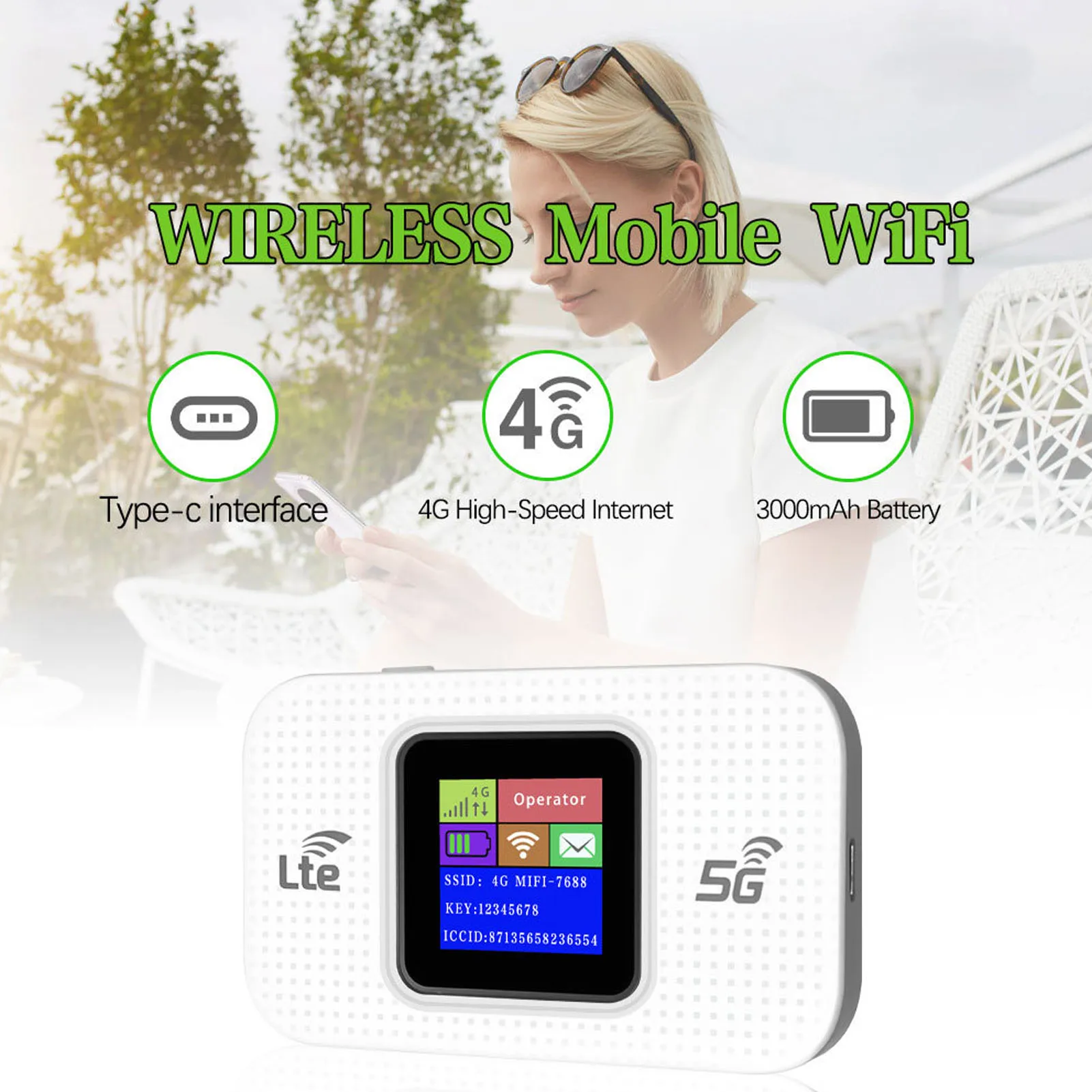
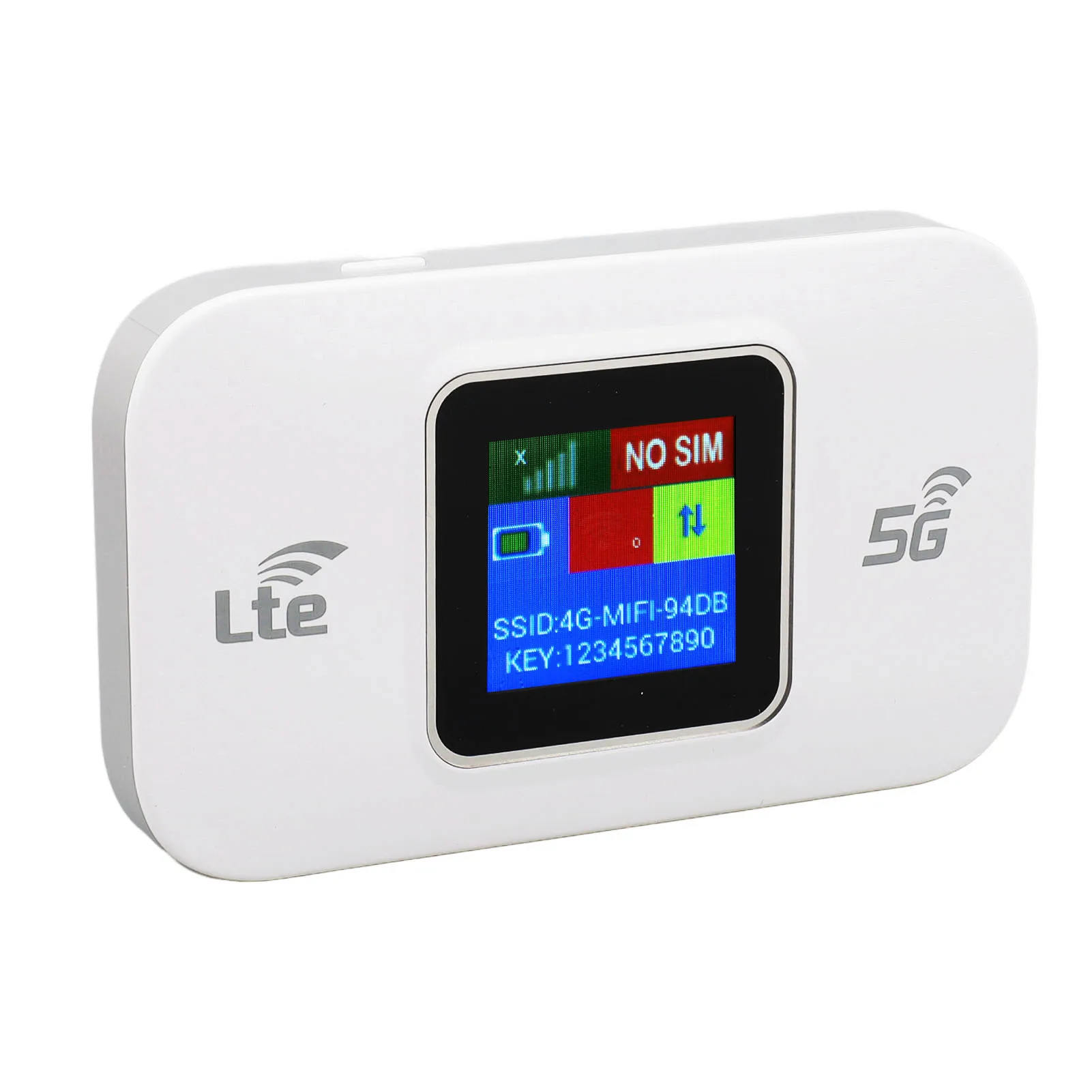
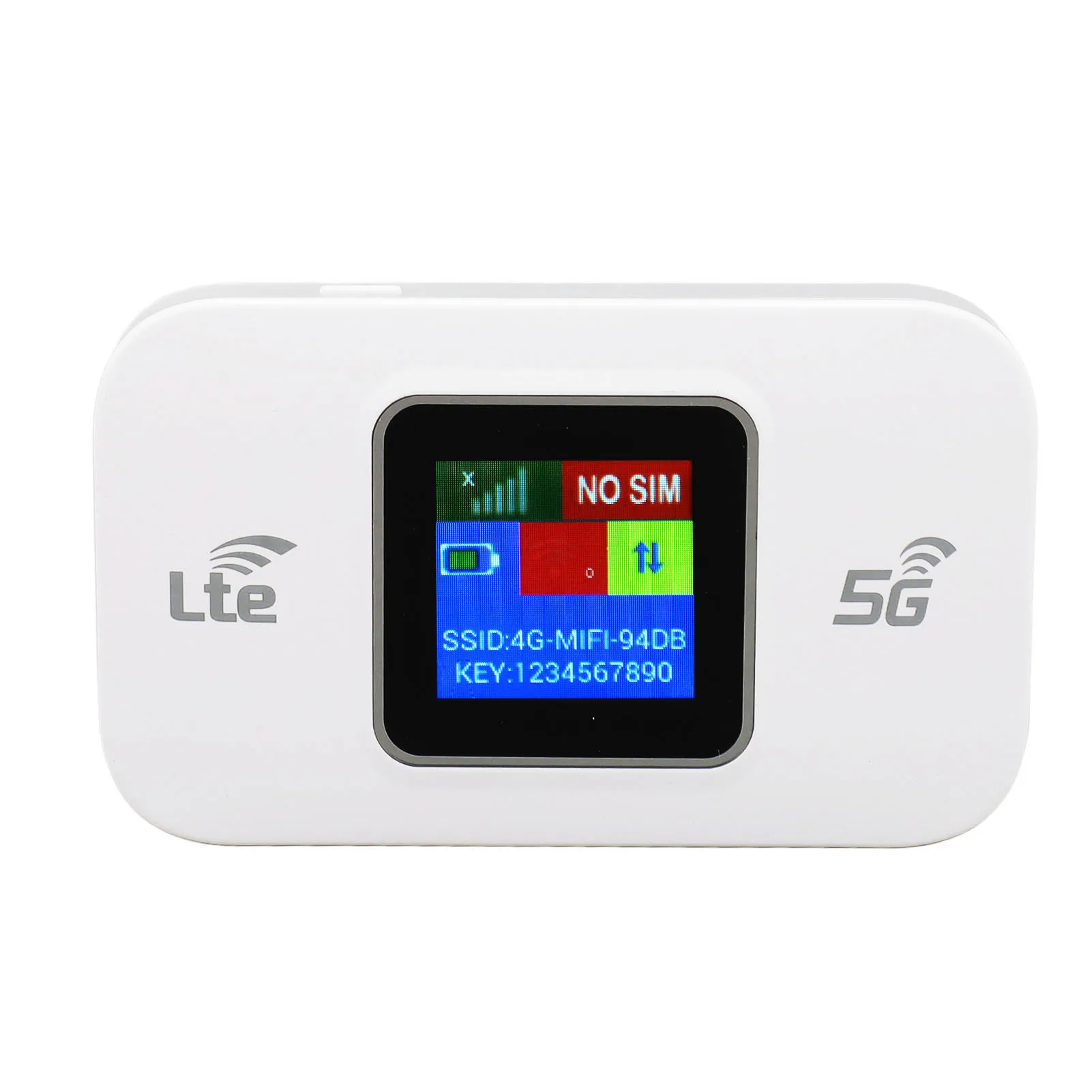
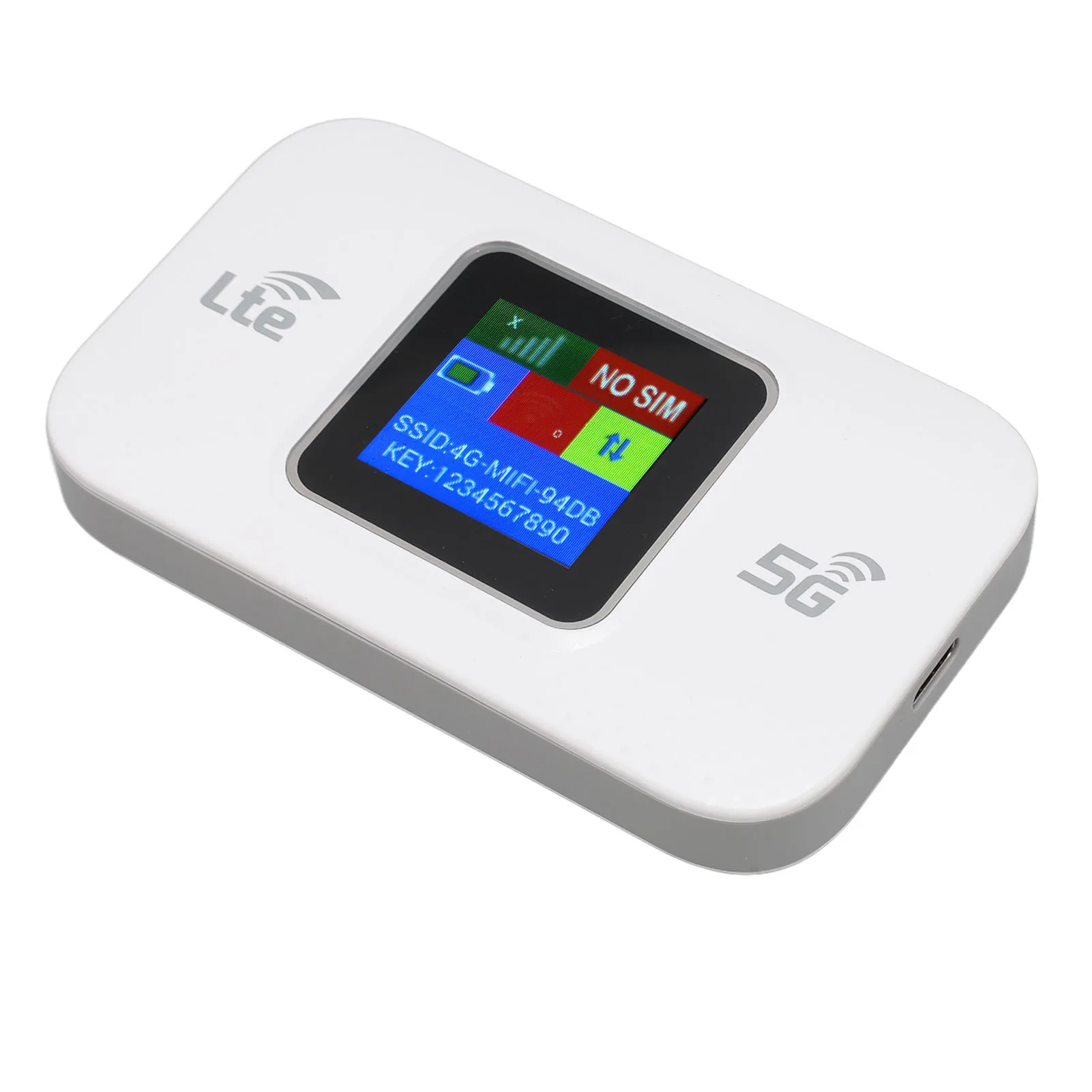
Portable 4G LTE WiFi Modem – 300Mbps High-Speed Mobile Hotspot with Color Screen
Description
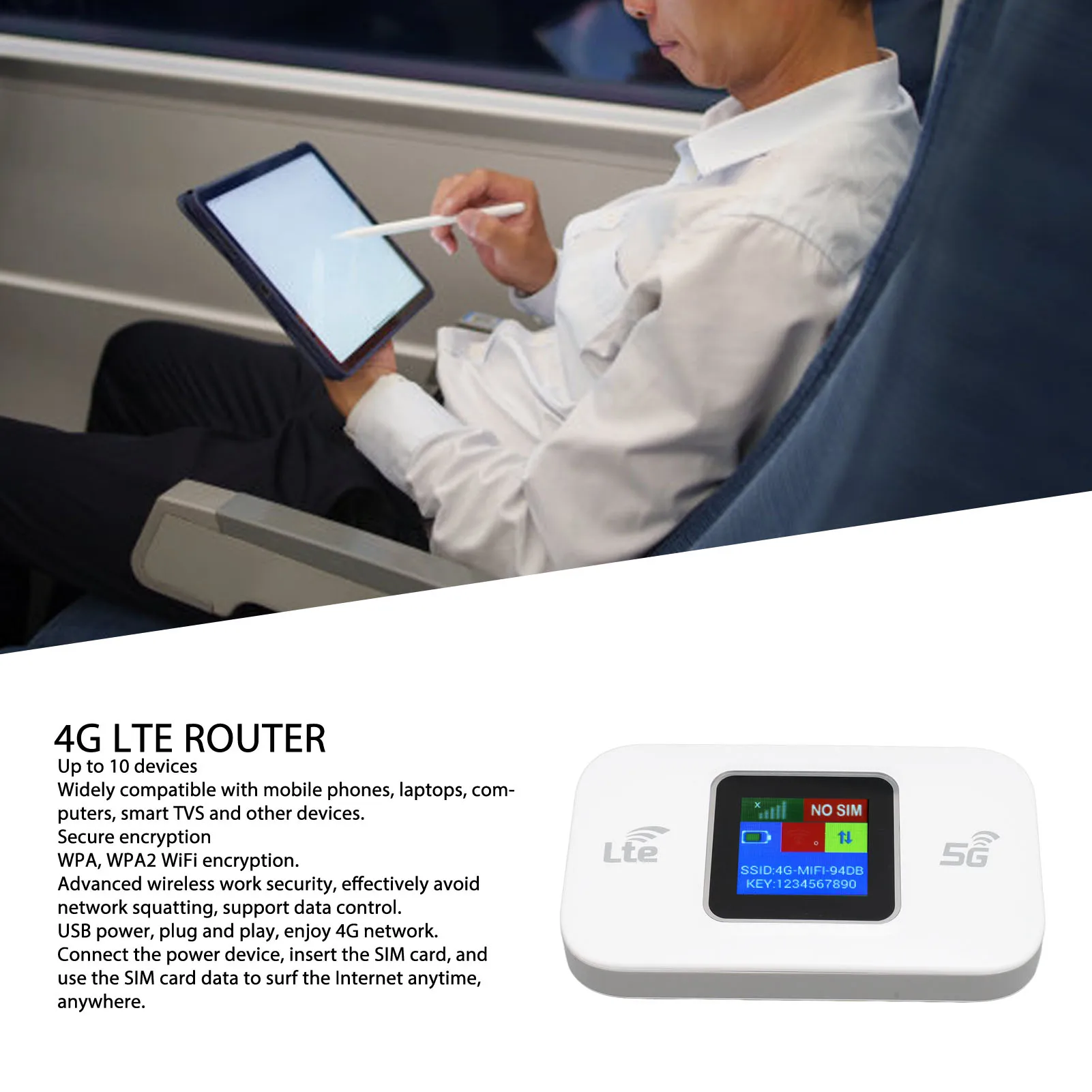
Stay connected anywhere with the VBESTLIFE 4G LTE Mobile WiFi Router. Designed for seamless portability and reliable performance, this professional-grade router offers up to 300Mbps high-speed WiFi and supports 4G LTE and 3G networks. Perfect for smartphones, tablets, laptops, and even smart TVs, it lets you share stable internet access with up to 10 devices simultaneously.
Key Features
-
4G & 3G Network Support
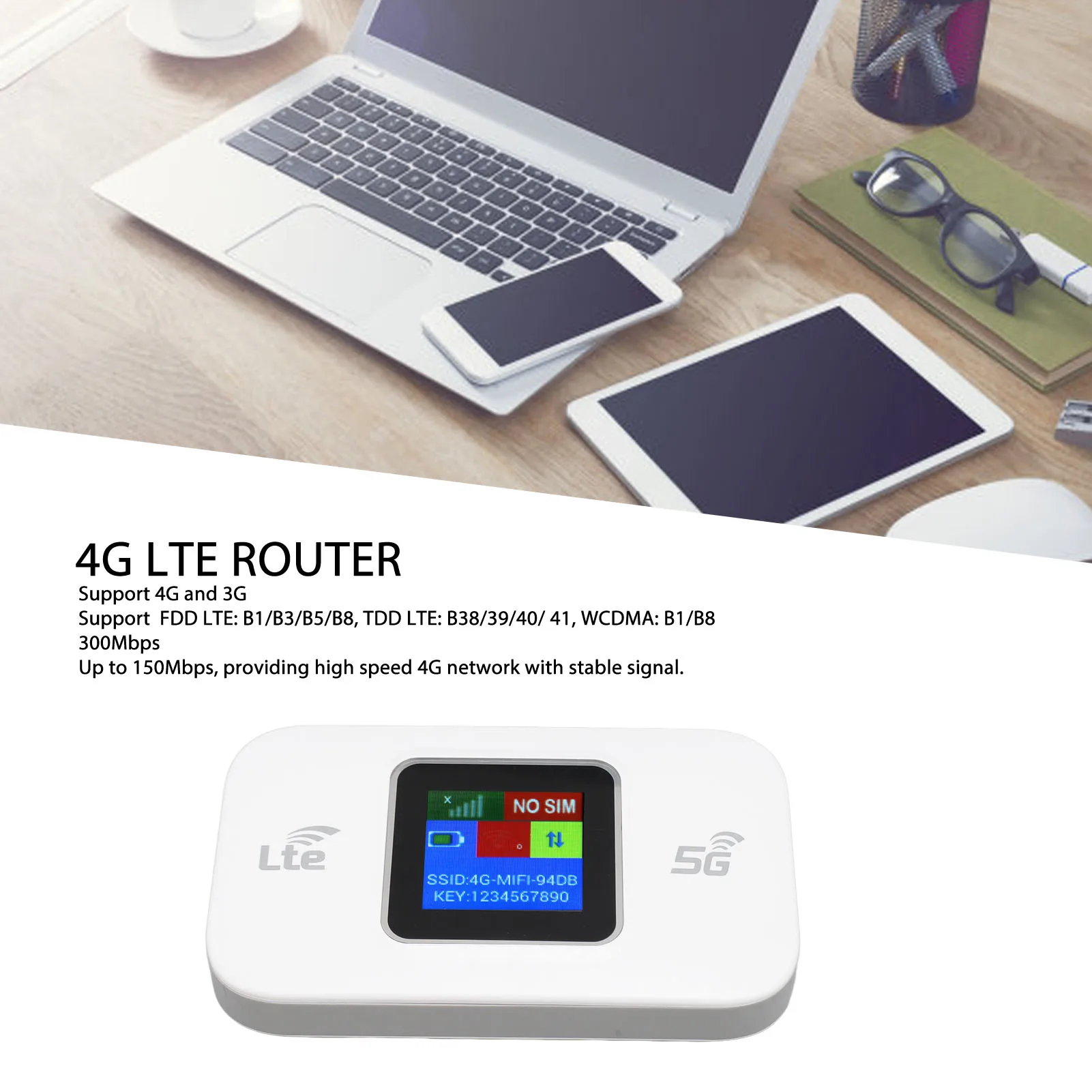
Compatible with major network bands including FDD LTE (B1/B3/B5/B8), TDD LTE (B38/B39/B40/B41), and WCDMA (B1/B8) for wide coverage and stable connectivity. -
High-Speed Performance
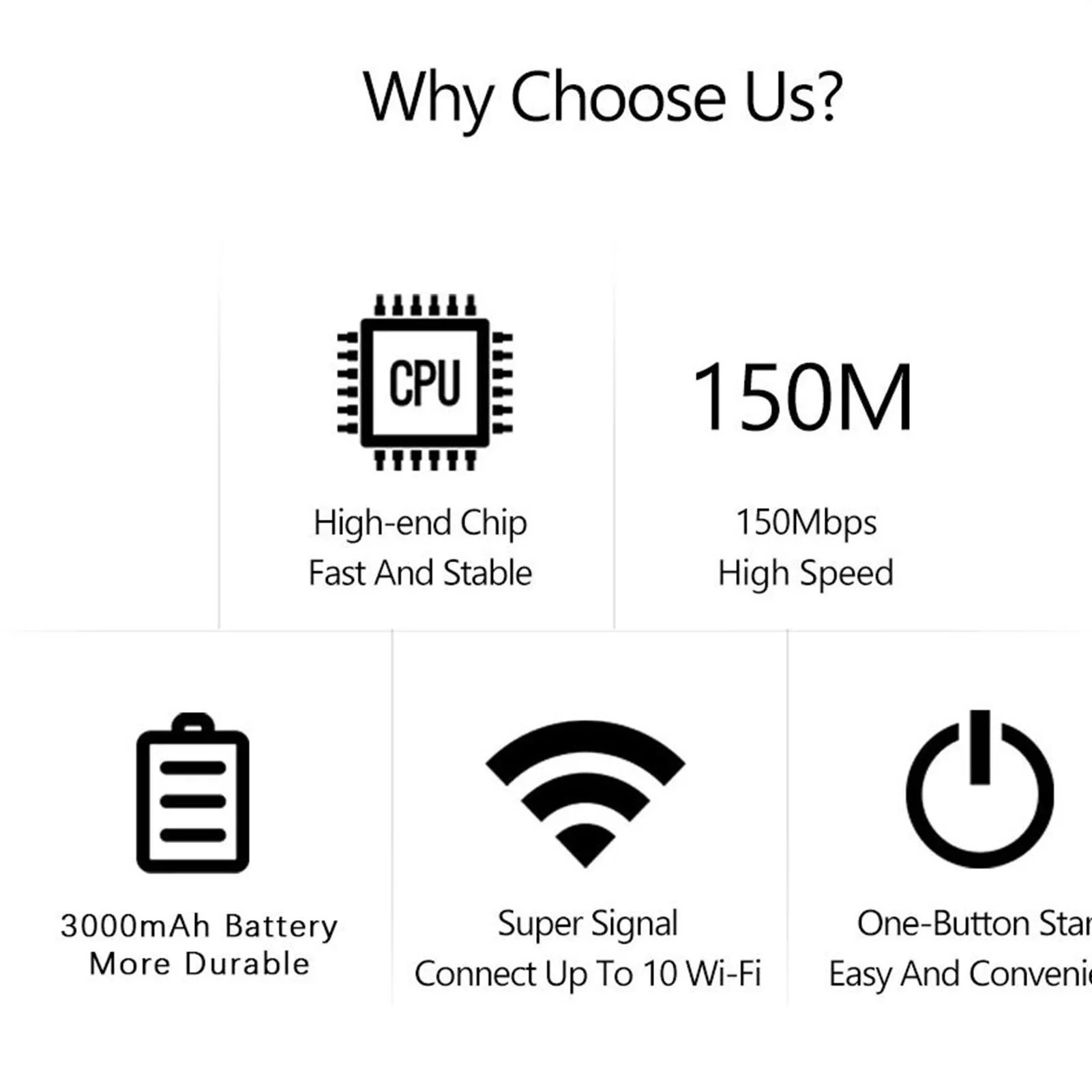
Enjoy blazing-fast 300Mbps WiFi transmission and 150Mbps 4G LTE speed, ideal for HD streaming, online gaming, and remote work. -
Multi-Device Connection
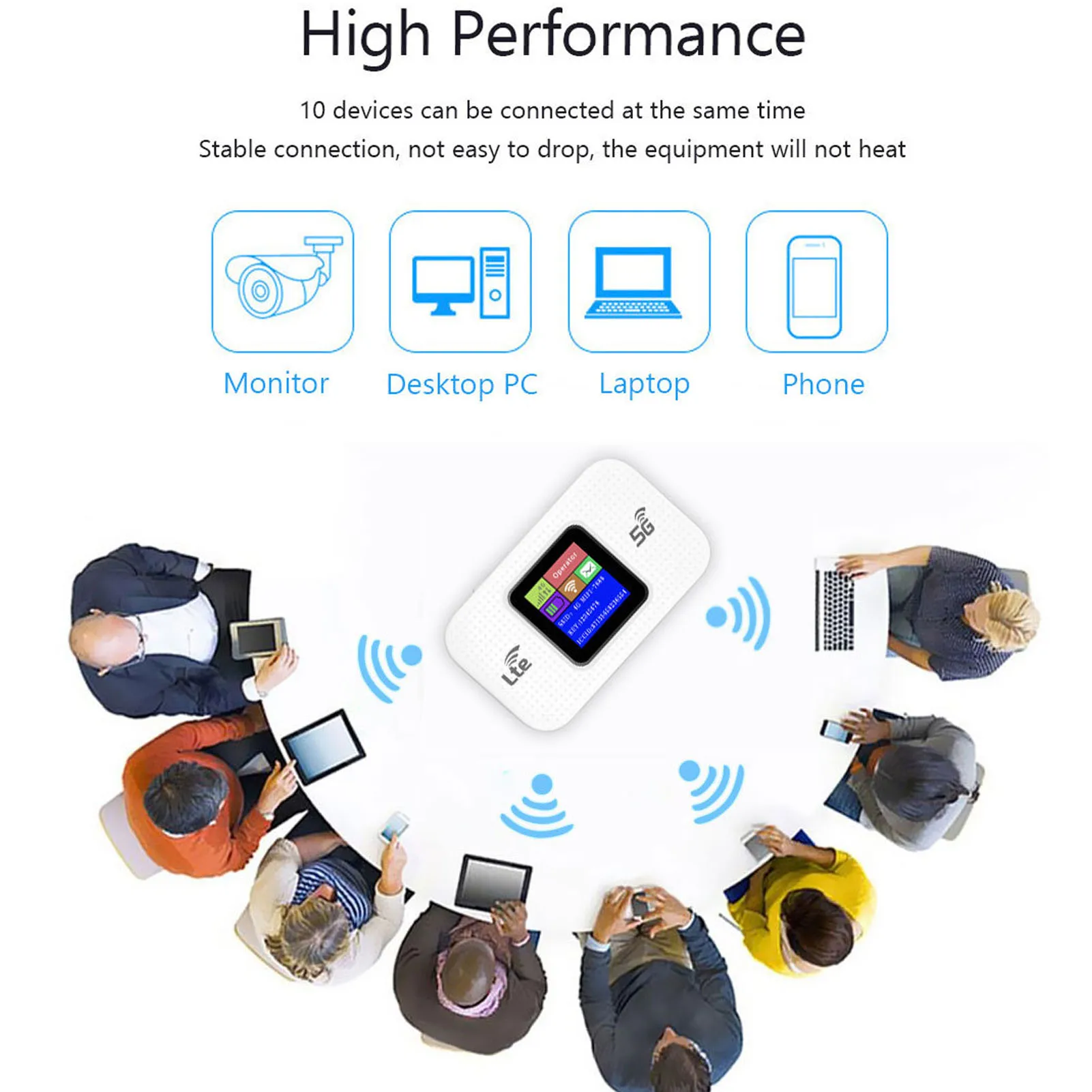
Connect up to 10 devices at once — perfect for families, small teams, or on-the-go use. -
Secure & Encrypted Network
Features WPA/WPA2 encryption for advanced wireless protection and safe data transmission, preventing unauthorized access and network threats. -
Plug & Play Simplicity
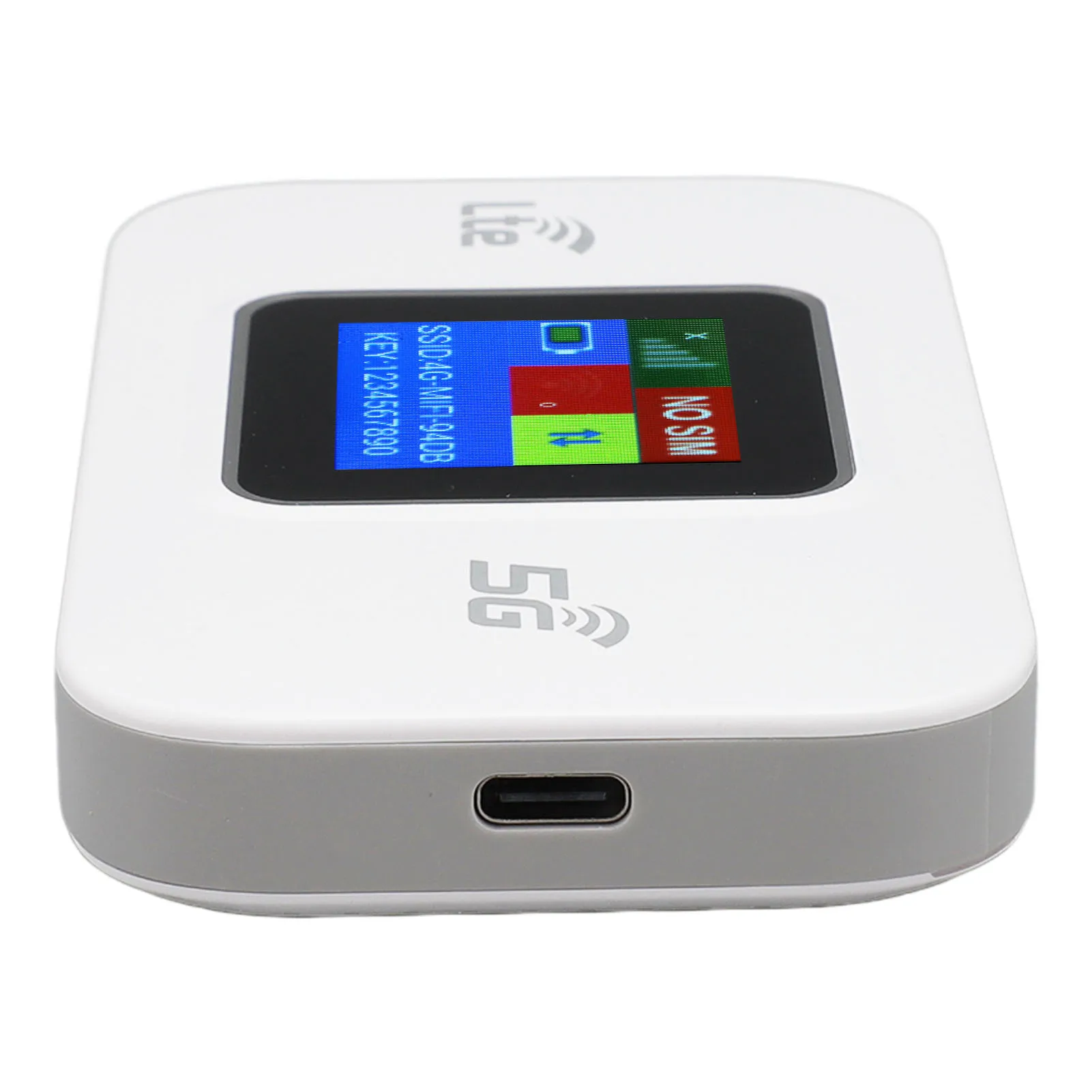
Just insert a SIM card, connect to power via USB, and you’re online in seconds. No setup required.
Specifications
| Item | Details |
|---|---|
| Brand Name | VBESTLIFE |
| Type | Wireless 4G LTE WiFi Modem |
| Material | ABS |
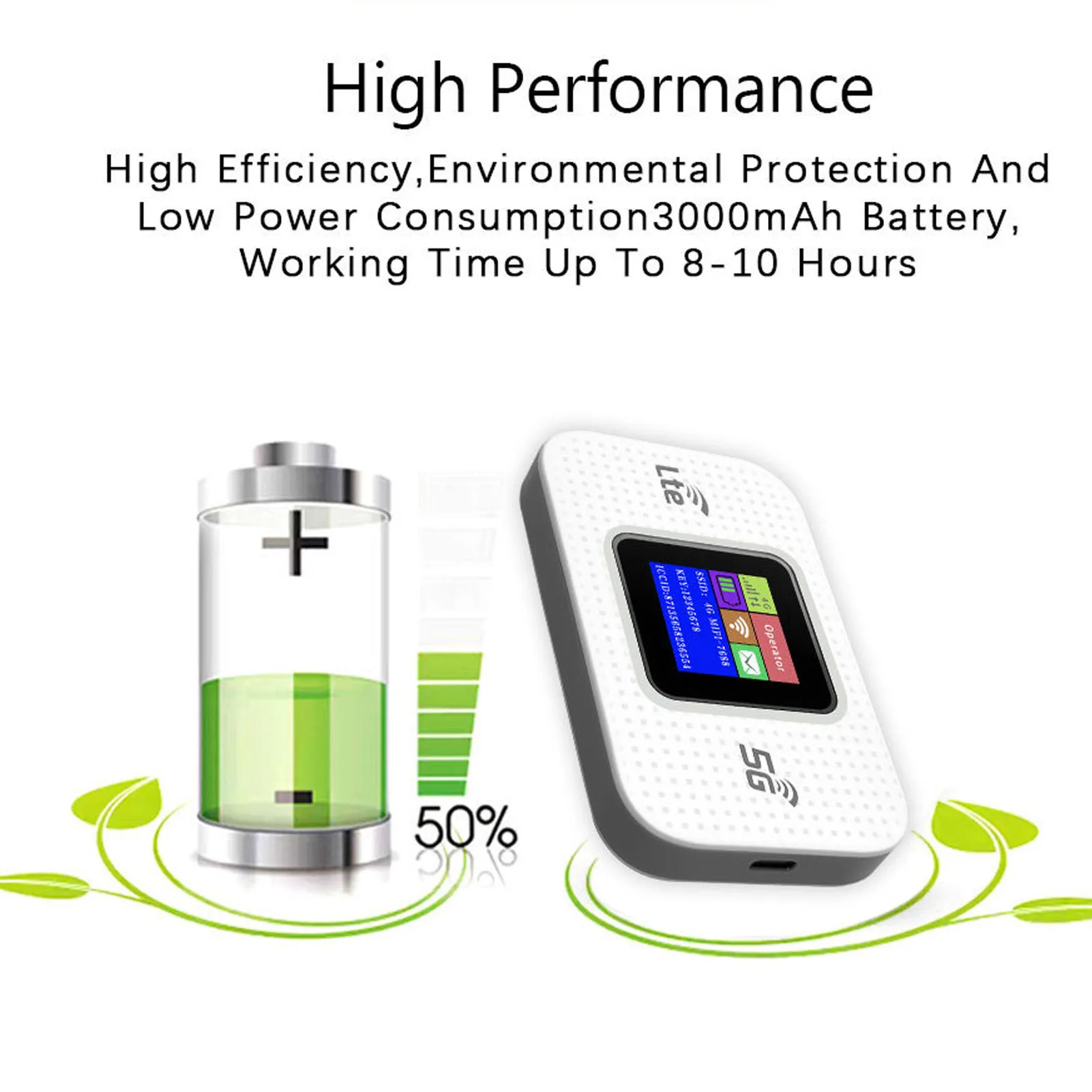
| Battery | 3000mAh Lithium Battery |
| Network Bands | FDD LTE: B1/B3/B5/B8; TDD LTE: B38/B39/B40/B41; WCDMA: B1/B8 |
| WiFi Standard | 802.11 b/g/n |
| Connection Capacity | Up to 10 Users |
| Power Source | USB (Plug & Play) |
| Origin | Mainland China |
| Battery Included | No |
Package Includes
-
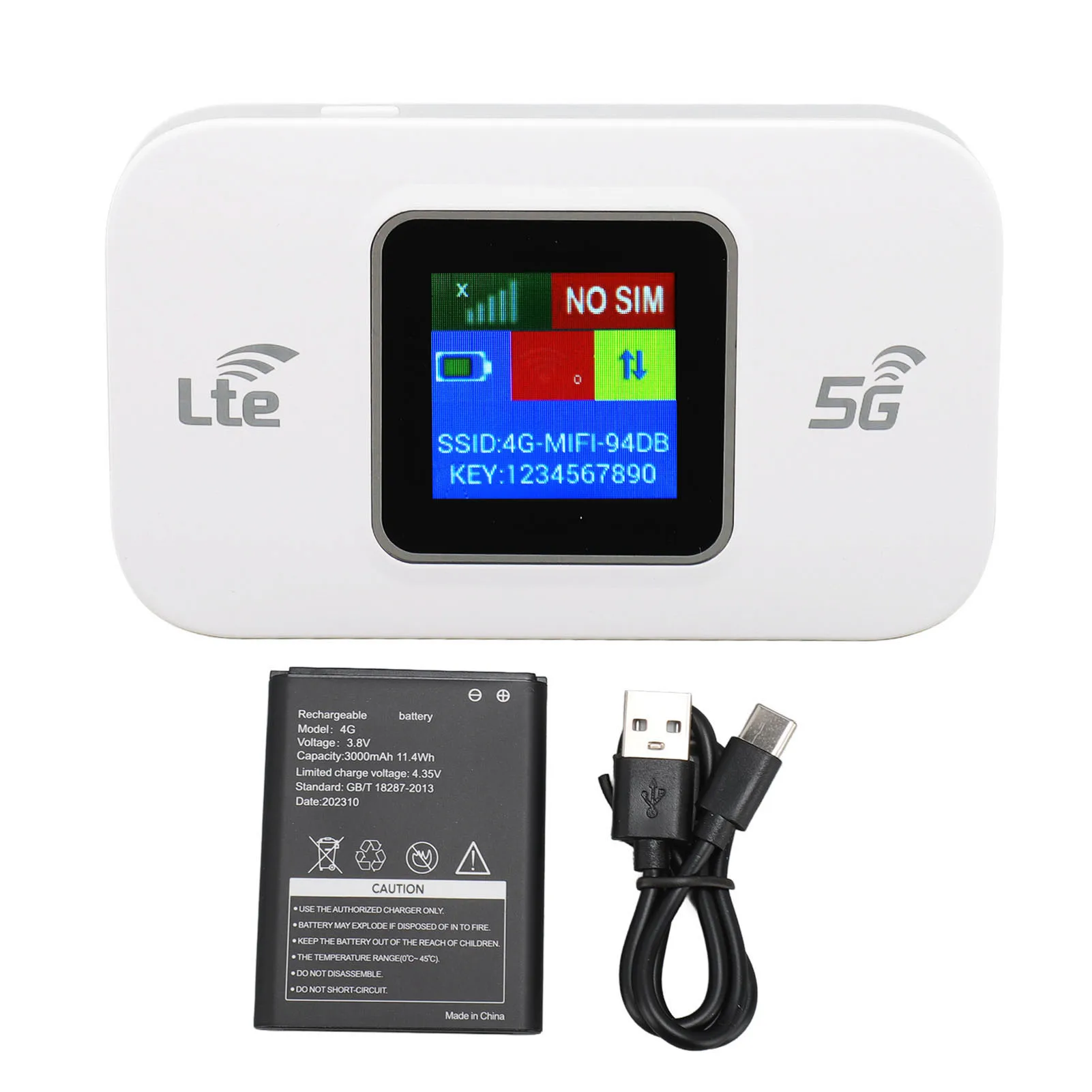
1 × Portable 4G LTE WiFi Modem
-
1 × 3000mAh Battery
-
1 × Charging Cable
-
1 × User Manual
How to Use
-
Insert a standard SIM card with active data.
-
Connect the modem to a USB power source.
-
Wait for the device to power on — connect your phone, tablet, or laptop to the WiFi network.

Recommended for You
Gallery
- Choosing a selection results in a full page refresh.